Standard vs. Strategy Desktops
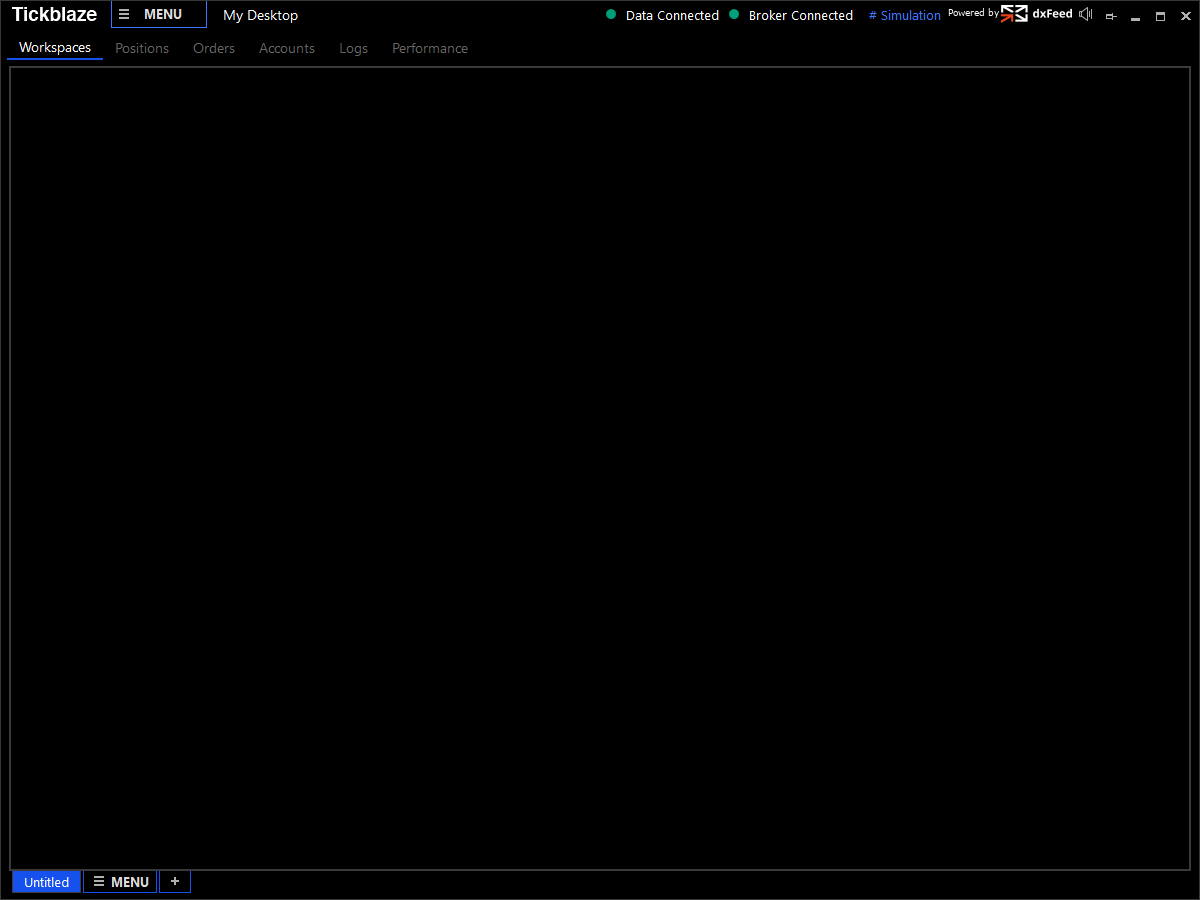
When a new default Tickblaze Standard Desktop is created, it contains the essential components: Default untitled Workspace, Positions Panel, Orders Panel, Accounts Panel, Logs Panel and Performance Panel. This basic desktop configuration is created with the default (dxFeed) data connection and the Simulation Broker connection. The user can then add the desired trading tools, such as charts, watchlists, trade pads, etc.
See the screenshot below for an example of a newly created default Tickblaze Standard Desktop:
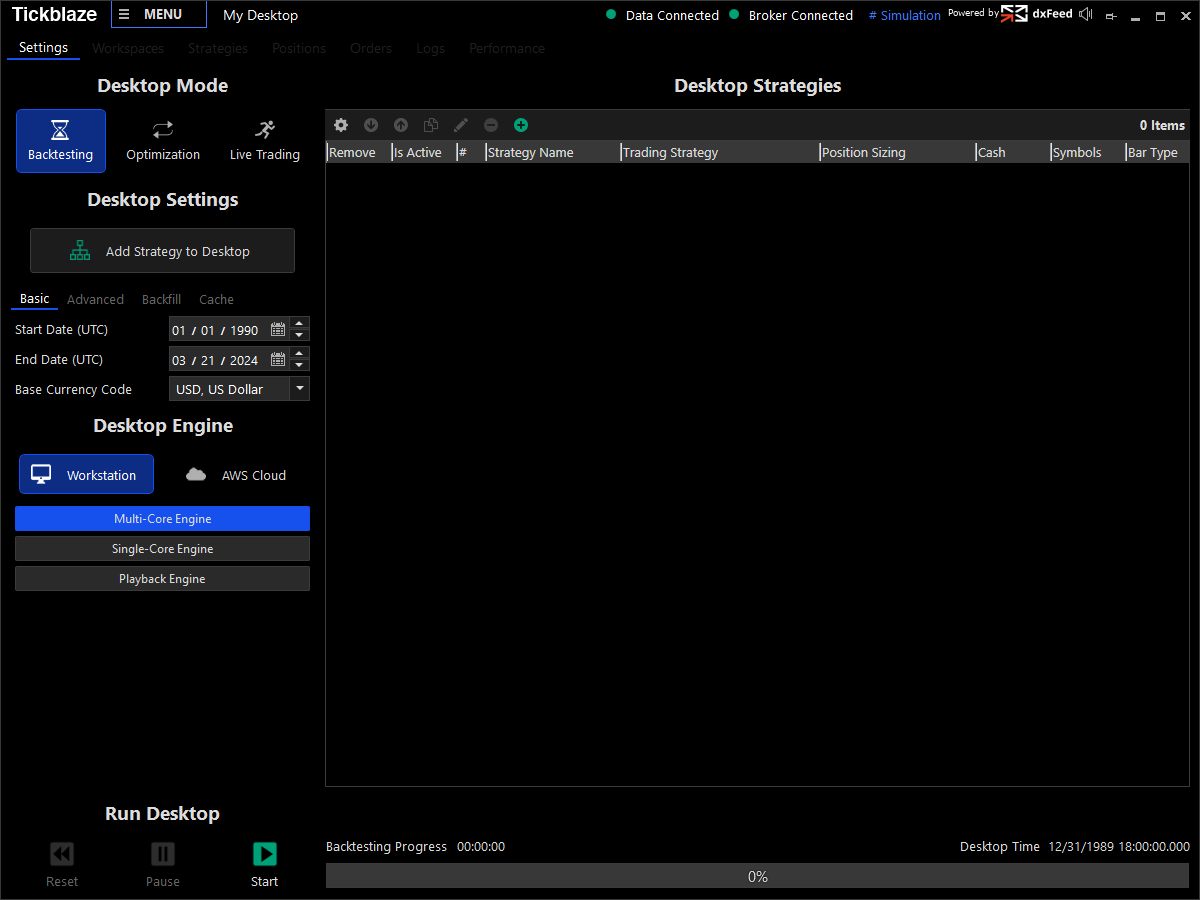
When a new default **Tickblaze Strategy Desktop** is created, it contains all the Tickblaze components needed by a strategy trader: Backtesting, Optimization and Live Trading Desktop modes. Each mode can leverage a variety of built-in trading strategy scripts, or you can create your own custom trading strategy script. The Strategy Desktop can be configured to run on your Workstation (computer) or on an AWS cloud server (when available).
The screenshot below shows an example of a Strategy Desktop in Backtesting mode: