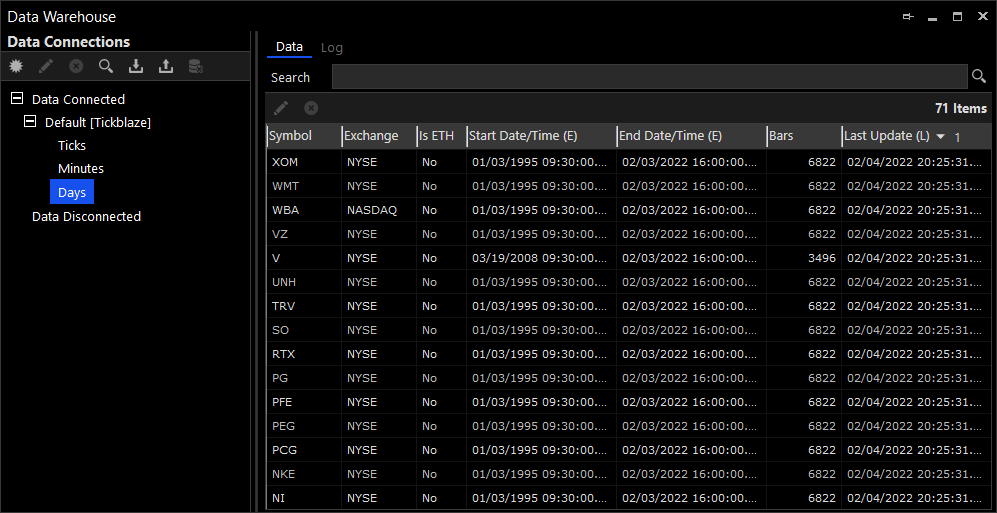
Data Warehouse
The Data Warehouse is used for managing the data connections that connect the platform to various data providers. The data connections allow the platform to import historical and real-time market data for both research and trading.
From the Data Warehouse window, you can create new data connections, edit existing data connections, delete data connections, import historical data, export historical data, delete historical data and view historical ticks, minutes and EOD data.
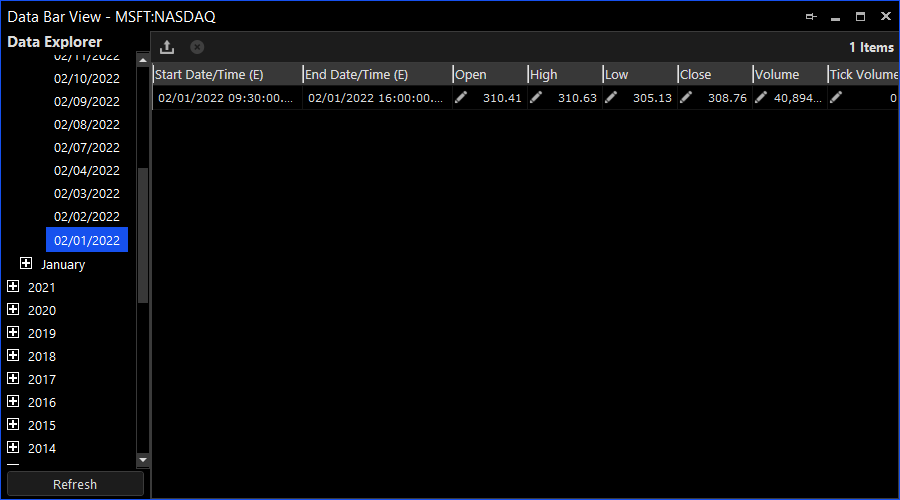
Data Bar View / Tick Bar View
The Data View Window is used for exploring and viewing historical ticks, minutes and daily data for a single symbol. The window can be opened by selecting a symbol in the Data Warehouse and clicking the Edit option in its context menu.
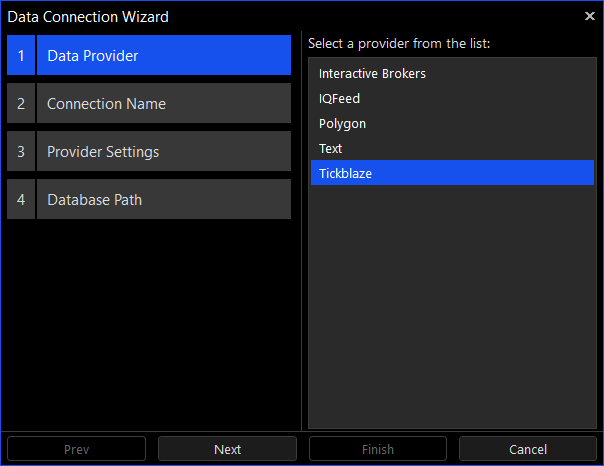
Data Connection Wizard
The Data Connection Wizard is used for creating a new connection to a data provider.
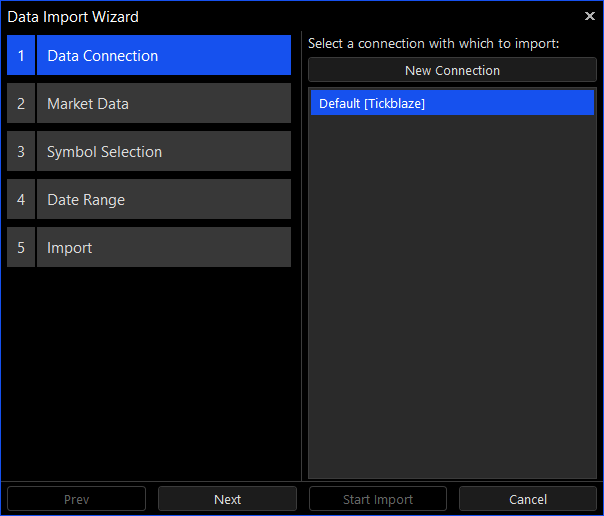
Data Import Wizard
The Data Import Wizard is used for importing historical ticks, minutes and daily data for one or more symbols.
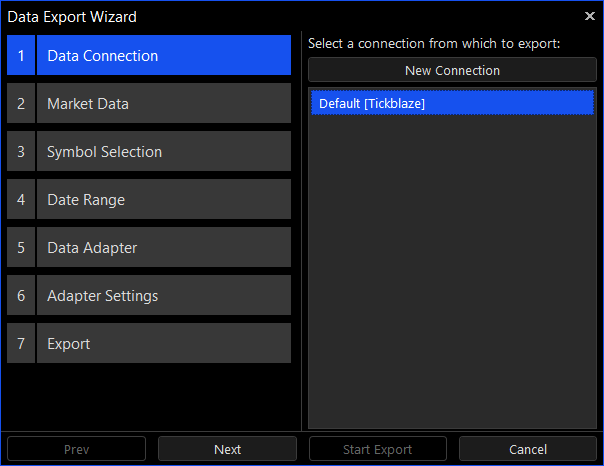
Data Export Wizard
The Data Export Wizard is used for exporting historical ticks, minutes and daily data for one or more symbols.