Understanding Tickblaze Workspaces
A Tickblaze Workspace is a collection of trading tool windows (Charts, Watchlists, Orders Panels, Positions Panels, etc.) within a Tickblaze Standard Desktop. Each Tickblaze Workspace can be configured to have a unique layout and settings. The workspace layout and settings can be saved, so that it can be retrieved and used again anytime. Multiple workspaces can be open at the same time within a Standard Desktop. Strategy Desktops have a fixed workspace layout.
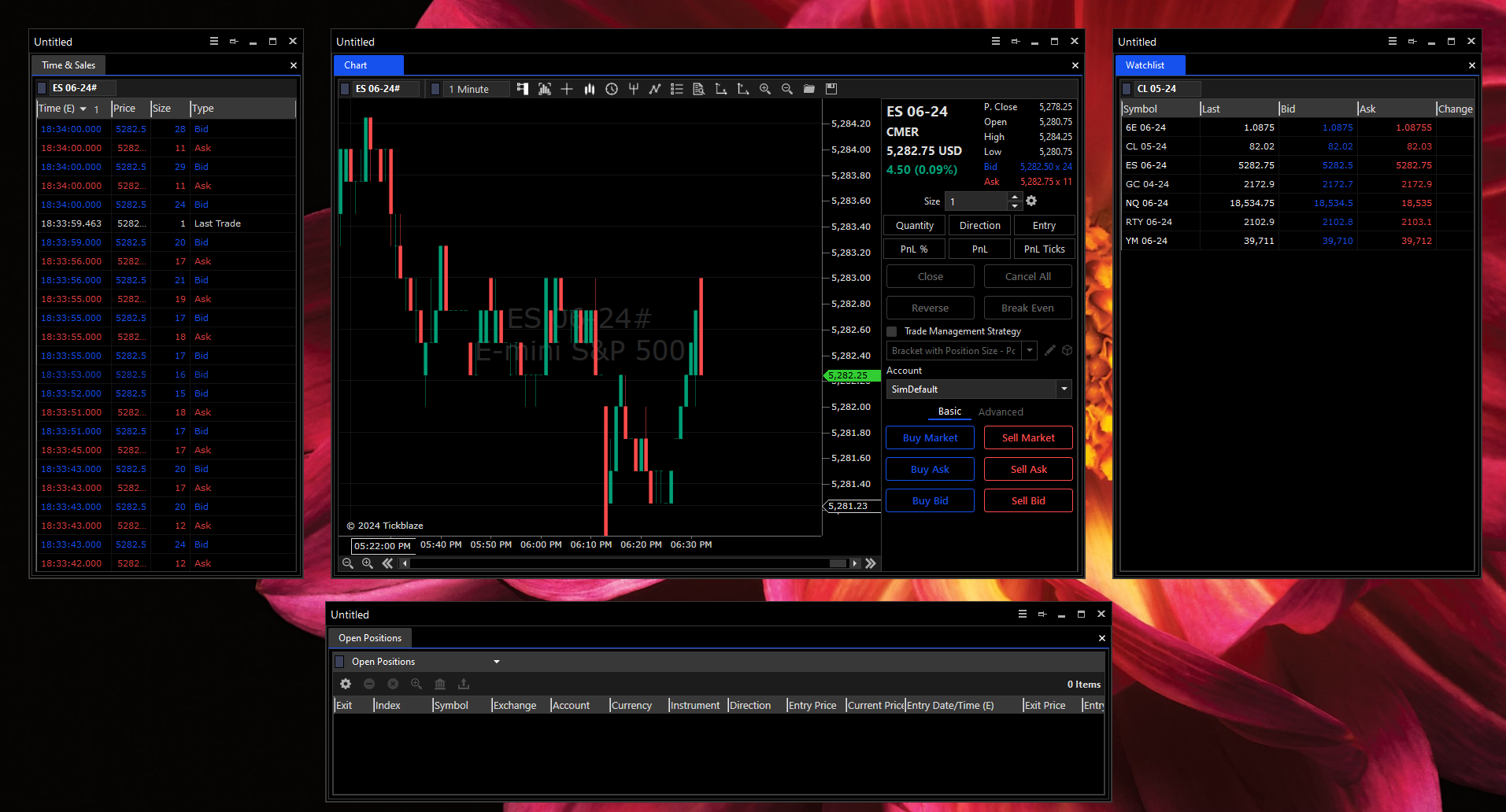
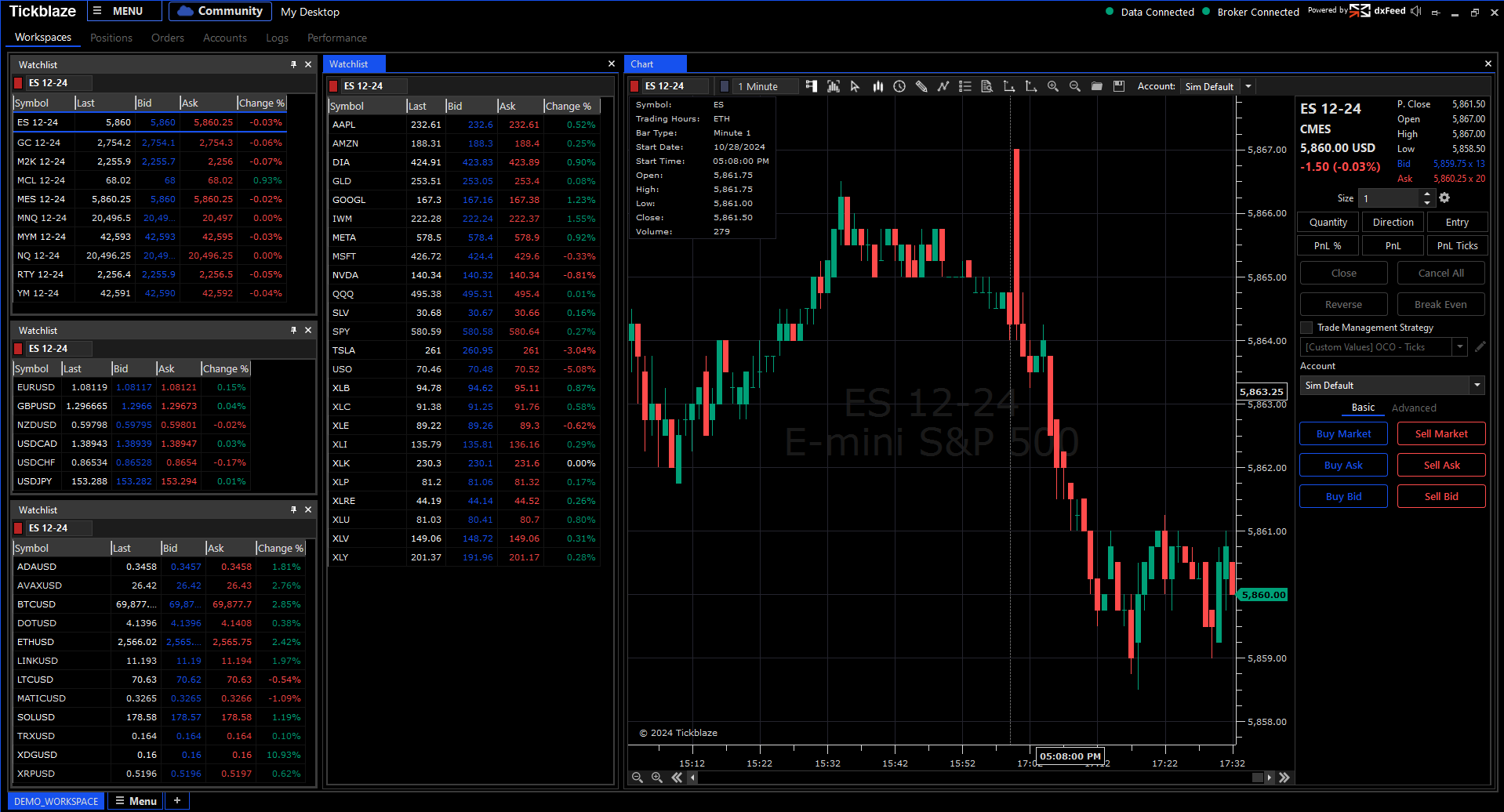
There are 2 kinds of Tickblaze Workspaces in Standard Desktops, Docked and Floating. A Docked Workspace is a collection of trading tool windows (Charts, Watchlists, Orders Panels, Positions Panels, etc.) which remain contained and “docked” within the main Standard Desktop control center window. A Floating Workspace is a collection of trading tools (Charts, Watchlists, Orders Panels, Positions Panels, etc.), where each window can “float” freely anywhere within your computer Windows desktop and on any monitor (in case of a PC with a multi-monitor configuration).
The screenshot below shows an example of a Docked Workspace within a Standard Desktop:
Floating trading tool windows created as part of a floating workspace are shown below: