
DTN IQFeed
IQFeed is a recommended 3rd party data provider for Tickblaze, please follow these steps to get started:
Sign Up to IQFeed and Start a Free Trial
IQFeed offers a limited free trial of their market data service, the trial offers some delayed market data as well as some historical market data. Please click here to sign up with their service and to start a free trial. If you want full access to their market data you can end the free trial early and start your subscription from their client portal.
Download and Install the IQFeed Client
The IQFeed service requires the IQFeed Client program to be installed, please download and install the IQFeed Client.
Connect Tickblaze to IQFeed
Set up an IQFeed Data Connection using your IQFeed username and password. When connecting a Desktop to IQFeed, Tickblaze will automatically launch the IQFeed Client and connect to their service.
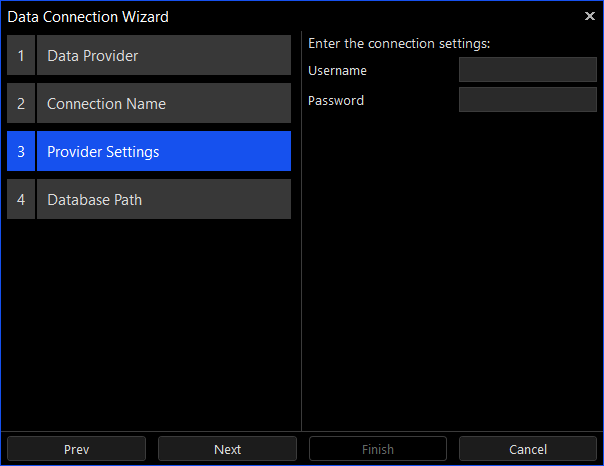
The following settings are used to connect to IQFeed.
- Username – the username assigned by IQFeed when you signed up to their service.
- Password – the password assigned by IQFeed when you signed up to their service.