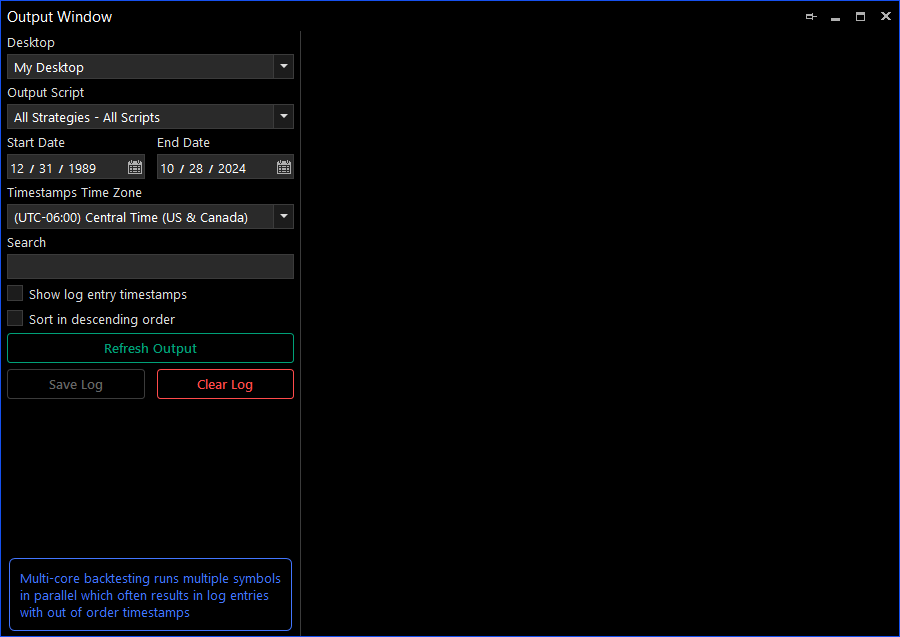
Output Window
The Output Window is used for viewing script generated output messages, and is frequently used for debugging scripts. (See the OutputWriteLine function). Each Desktop has its own separate output log to which all of its scripts write to, this output log can be viewed from the Output Window. The window offers multiple filters and display options that allow you to set which output messages you want to view and how you want to view them.
Note that the Output Window keeps the output data in memory and not in a log file, which means that it can consume a lot of memory if used excessively. If your scripts need full logging functionality, we recommend that you use Serilog, log4net or NLog.