Positions
The position tables display the open and closed positions that were created by the Desktop. The tables can be accessed from the Desktop Positions tab or added to any workspace.
Strategy Desktop Position Tables
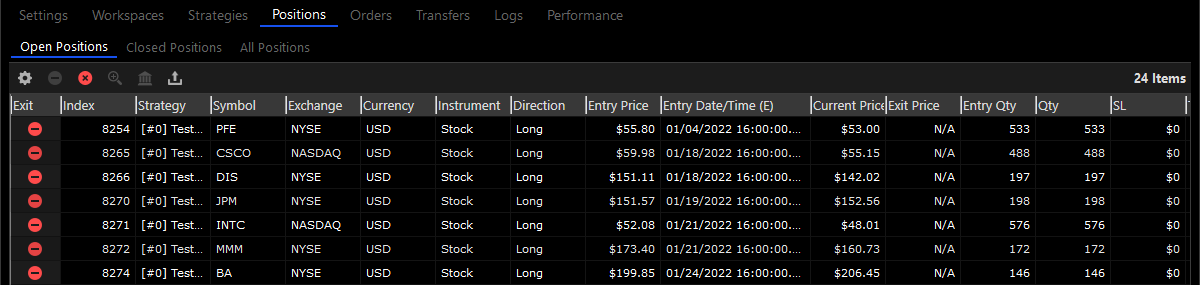
The Strategy Desktop position tables display the open and closed positions that were created, mostly, by the Desktop strategies. The position tables are available during backtesting, optimization and live trading, and display either simulated historical positions or live real time positions.
Standard Desktop Position Tables
The Standard Desktop position tables display the open and closed positions that were created, mostly, from the Desktop trading tools (charts, dom, trade pads, etc.)
Workspace Position Tables
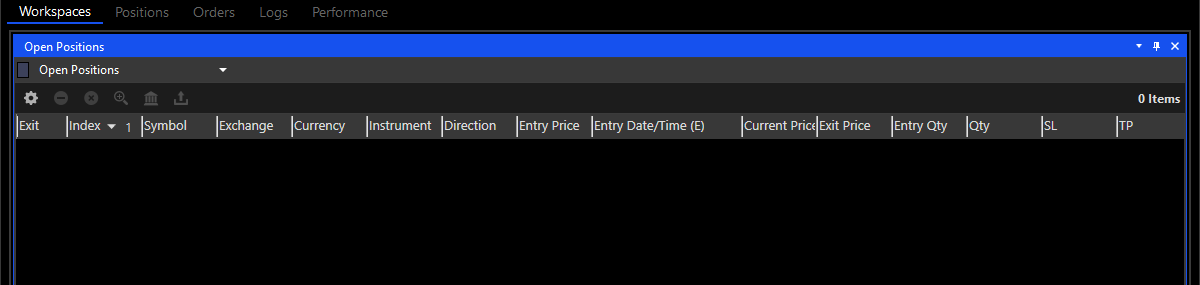
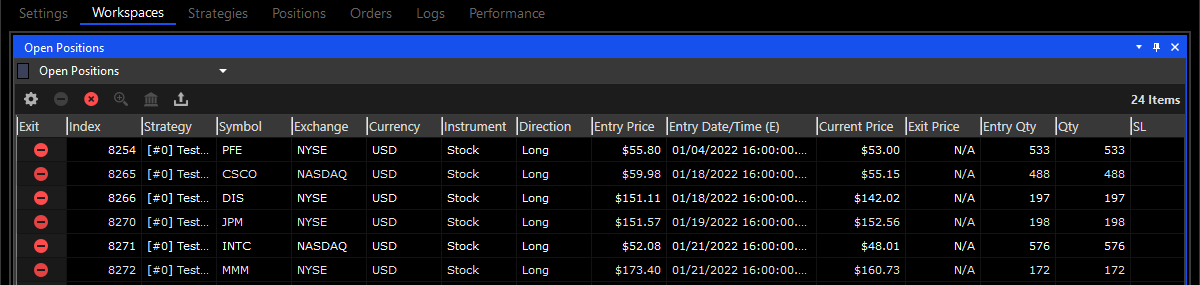
The workspace position tables are the same tables that are available in the Positions tab. When you add a positions table to a workspace it’s initially set to display the Desktop open positions. Once the table has been added to a workspace you can change it to display open positions, closed positions, all positions and broker positions by clicking the ‘Open Positions’ label and selecting a new positions table from the dropdown.
Broker Positions Table
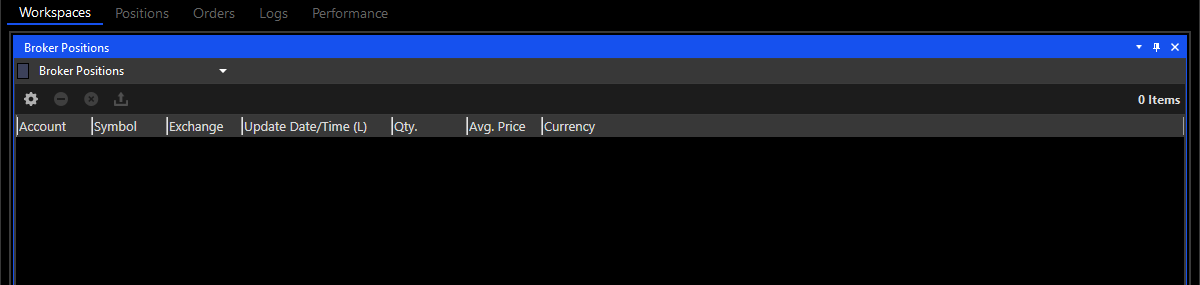
The broker positions table displays all of the open positions in your brokerage account, regardless of their source. Unlike positions that are originally created from the Desktop, the positions in this table could belong to symbols or exchanges that are unfamiliar to the Desktop, or that the Desktop can’t fully recognize. This table is a raw display of your brokerage account open positions.