Logs
The log tables display six different logs that can be accessed directly from the Desktop Logs tab as well as from your scripts. All of the logs are maintained between platform shutdowns and are truncated when they grow too large.
The following log tables are currently available:
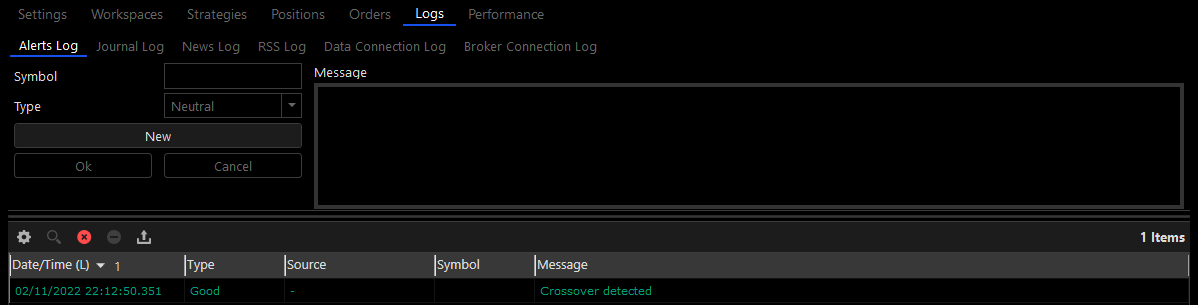
- Alerts Log – displays all of the alerts that were generated by the Desktop.
- Journal Log – displays all of the journal messages created by the Desktop scripts or entered manually to it.
- News Log – displays all of the news items received by the Desktop data connection.
- RSS Log – displays all of the RSS news items received by the platform’s RSS feeds, as specified in the Options Window.
- Data Connection Log – displays all of the messages received by the Desktop data connection.
- Broker Connection Log – displays all of the messages received by the Desktop broker connection.
Important Notice
Each of the log tables has a special form that allows you to manually create log entries; enabling you to easily test the scripts that process them.
Alert Notifications
Each time a log entry is added to the Alerts Log a notification pops up at the bottom of the screen (this doesn’t happen with the other logs).